Frequently Asked Questions
Logging On
Lost Password
STEP 1 If you have lost or forgotten your password, simply
go to the Wiggle Time home page and click on the "forgot your
password" link under the Member Log In button.
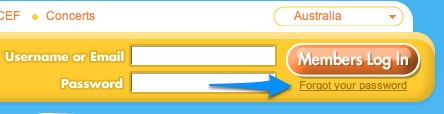
STEP 2 Then just fill in your email and Checkbox one of the two
options. (you must do this or the submit wont work).
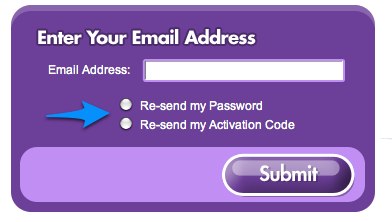
STEP 3 Click submit.
STEP 4 Check your email.
Still need more help? Click Here